Driver Qualification File Management
Trucking and other commercial driving are tightly regulated by the government, and for good reason considering how large and potentially dangerous a loaded truck can be. Unfortunately, this means a lot of extra burdens on you and your drivers. Your DQFs need to be constantly kept up to date, and Department of Transportation (DOT) inspections could happen on the road at almost any time. Good DOT Driver Qualification File Management systems can help make these processes easier to navigate!
What are the most important aspects of DOT inspections to focus on, and how can DQF management software help? Let’s take a look.
The Six Levels of DOT Inspections
When a driver is on the road, they are potentially subject to official inspection at almost any time. These will most likely take place at designated locations, such as weigh stations but could also be randomly conducted on-road. In addition, they must be performed at least once every 12 months.
There are six “levels” of inspection, depending on what the DOT official is looking for and how it’s conducted.
Level 1
This is the most common – and most thorough – DOT inspection, covering almost every area of a driver and their vehicle. Inspected elements include:
- The driver’s CDL
- Their full DQF, including medical records, Record of Duty status, and any alcohol or drug use reports
- The trailer and cargo securement systems
- A full vehicle inspection, including brakes, couplings, exhaust, frame, fuel systems, wipers, steering systems, suspension, and electrical system
- Tires, rims, and wheels
- All lighting, including headlamps, tail lamps, stop lamps, and internal lights
This is the full complete inspection, which will be conducted at least once a year.
Level 2
Level 2 is the same as Level 1, except that it omits any items which would require the inspector to get underneath the vehicle. It still includes the full DQF inspection, as well as anything on the vehicle which can be accessed while standing.
Level 3
Level 3 focuses solely on the driver and their DQF, without inspecting their vehicle. This is when you really want a good DOT Driver Qualification File management system, as part of your overall fleet management software package.
Level 4
Level 4 is a spot check of one specific item or area of concern. These may be based on direct reports, or due to overall industry trends which the DOT has become concerned about. i.e., if it came out that numerous trucking companies were neglecting their emissions systems, DOT might target emissions for a specific focus.
Level 5
Level 5 is exactly the same as Level 1, except that the driver is not present when the vehicle is being inspected. This would typically only be done if there were already substantial evidence of wrongdoing.
Level 6
Level 6 specifically only applies to shipments of radioactive materials and includes specialized checks to ensure the materials are being handled safely, in accordance with regulations, such as proper shielding.
How To Properly Prepare for DOT Inspections
Your drivers should be prepared for a surprise inspection at any time. Even if they are rare, a single failed DOT inspection can cause a lot of trouble for you and your driver.
1 – Invest in DOT Driver Qualification File management systems
When DQFs were handled on paper, by hand, they were prone to error – and errors can be extremely costly! A good DQF management software solution automates most updates and changes to the DQF, as well as issuing alerts when key dates are coming up, such as license and registration renewals. This helps ensure your DQFs can always pass inspection.
2 – Keep up on vehicle maintenance
To borrow a cliche, keeping your vehicles well-maintained isn’t just a good idea – it’s the law. Well-maintained vehicles, tracked as part of a larger vehicle management system, lead to more efficient operations and less downtime due to breakdowns. This also guarantees your vehicles will be able to pass even a Level 1 inspection at any time, if needed.
3 – Coach your drivers on proper behavior
DOT inspections can be nerve-wracking, even for experienced drivers, and it’s easy for newer drivers to be overwhelmed. Be sure to coach your drivers on staying calm and professional at all times. In particular, they should never directly confront or argue with the inspector, even if they believe there’s a problem with the inspection itself. Any disputes should be handled by the company, via proper legal challenges.
Drivers who keep a cool head will have a much easier time getting through inspections without any unnecessary drama.
4 – Do your own inspections
There’s no need to wait for a spot inspection. It’s good practice to occasionally conduct an inspection of your driver and vehicle, according to the same guidelines the DOT follows. Much like a fire drill, this increases preparedness when the real thing happens.
VLC Is Here to Improve Your Fleet Management
Vehicle Licensing Consultants has decades of experience helping fleet operators navigate complex laws and bureaucracy, while staying on top of both their vehicles and their drivers. Our connected systems allow you to manage drivers, vehicles, and even your customers – combining all the data into an analytical system capable of providing deep insights into every aspect of your operation.
Be prepared for your next DOT inspection. Contact us to learn more, or ask for a free demo.

Driver Qualification File Management
Anyone involved in fleet management undoubtedly uses fleet management software to track your vehicles – but what about your drivers? Driver Qualification File management software can be a highly useful addition to your suite of software solutions. Beyond helping you keep track of your drivers’ DQFs, a good driver management system offers numerous opportunities for analysis and optimization.
What should you look for in a Driver Qualification File management software system? These are some of the most important features.
Four Features You Want from a DQF Management Solution
1 – DQF alerts and warnings
First and foremost, a DQF management system needs to be able to prevent DQF errors from occurring. A good software package should be able to autonomously monitor important documents and registration dates for your drivers and alert you if any issues are coming up. There’s far less chance of drivers missing a license renewal, or otherwise falling out of qualification when software is monitoring every driver’s file at all times.
2 – Self-serve portals
Many aspects of DQF management fall on the driver to handle – but it’s to your benefit to make that process as easy as possible. A great Driver Qualification File management system includes an online portal your drivers can access to upload or update their paperwork as needed.
This also directly cuts down on your workload since a self-serve portal will reduce phone calls and other time spent providing support.
3 – Improved recruitment
DQM management systems also make the recruitment process easier, in a few different ways. First, it becomes easier to input and verify any information provided by drivers. Also, it provides an easy and convenient way for applicants to submit information and stay in contact with you. There’s no more need to blindly send out information packets to applicants, without gauging their interest.
4 – Integration with other systems
A good DQF management solution should also be able to integrate into your other software systems, such as your fleet management system. By sharing data, you’ll be able to run deeper reports and analyses into your fleet, integrating information about your drivers into your overall insights. This adds to the value and improves your optimization efforts.
VLC Makes Driver Management Easy
VLC has decades of experience providing solutions for fleet management and driver management, including software focused on maintaining your DQFs. We can help you optimize every area of your fleet and operation! Contact us to learn more.
Fleet Management
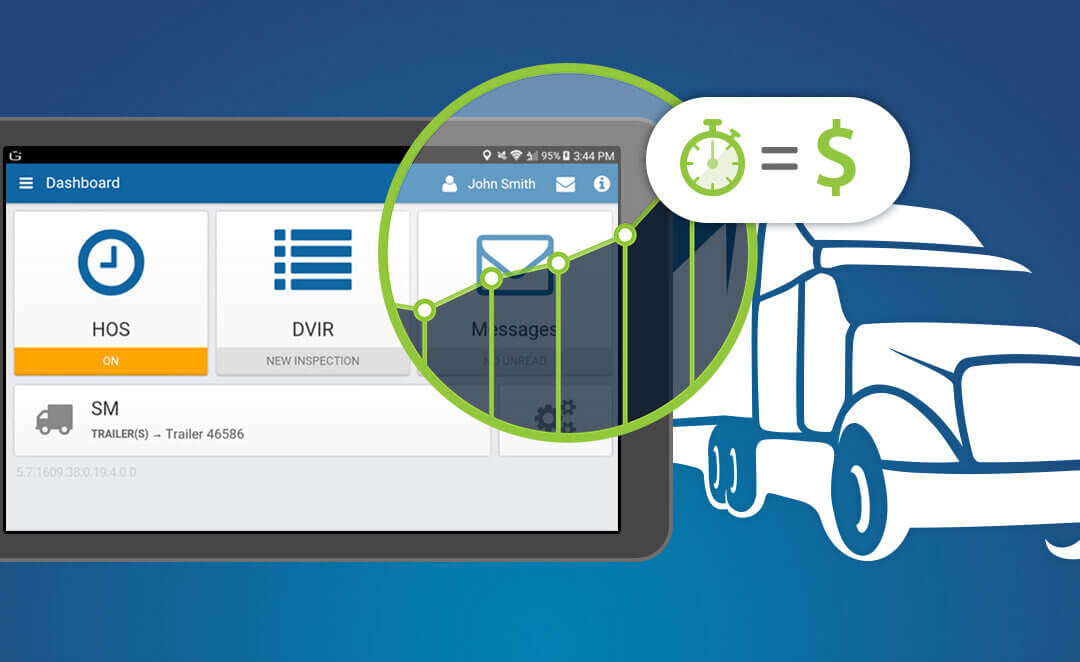
Trucking has always required detailed logs from professional drivers, but for decades those logs had to be done on paper – a tedious, time-consuming, error-prone process. Now, new regulations are enforcing the use of eLogs for truckers, electronic logbooks which are an improvement over the old method in virtually every way.
For new drivers, or those starting up their own fleet, here are the basic things you need to know about eLogs for truckers.
What Is An eLog?
Electronic logbooks are small electronic devices that are attached to a truck or other working vehicle, recording vehicle data as well as driver behavior. These typically track the vehicle’s movement via GPS, fuel consumption, diagnostic data, maintenance records, and more.
In addition, regulations require the driver log their own behavior – whether they’re driving, doing paid non-driving work, on break, etc. This allows regulators to ensure that drivers are following relevant laws on working hours.
How Did eLogs For Truckers Improve on Older Methods?
When the government first began mandating electronic logging, there was some pushback due to the need to buy new hardware. However, drivers and fleet managers quickly realized it was a small upfront cost that brought significant benefits.
- Saving time. Keeping logs on paper required a lot of time and effort because drivers had to manually look up and record information by hand. eLogs greatly reduce time wasted on paperwork.
- Better visibility. A modern eLog device can hook into your fleet management system, providing data directly to your databases. Otherwise, the data would have to be re-entered from the driver’s log, wasting more time.
- Fewer mistakes. Any paperwork maintained by hand is going to be prone to error, and errors in trucking paperwork can lead to big fines or worse. eLogs pull their data directly from the truck, greatly reducing the chance of error.
Who Has to Use eLog Systems?
For all intents and purposes, every truck in your fleet should be outfitted with an eLog system. However, there are a few specific exceptions, specifically for drivers who only drive locally, 8 days or less in a month. If you don’t have to keep Records of Duty Status for the driver, they likely don’t need to use an eLog either.
VLC Makes Fleet Management Easy!
VLC provides a full suite of tools for fleet management, driver management, and customer relationship management. Our software solutions simplify your life as a fleet manager, while offering deep analytical insights and opportunities for cost optimization.
Contact us to learn more or request a free demo!
Fleet Management
These days, there’s just no good way to manage a working fleet without a good Geotab fleet management system. Margins are too tight, and costs are too complicated, to keep track of by hand. You need a quality software tool to maintain oversight of your fleet and look for opportunities to optimize your costs.
There are numerous fleet management solutions on the market, with or without Geotab integration. Without extensively demoing systems for months, how can you tell which ones will be best suited for your needs? These are some of the major features you should look for.
3 Must-Haves in A Geotab Fleet Management System
1 – A software focus
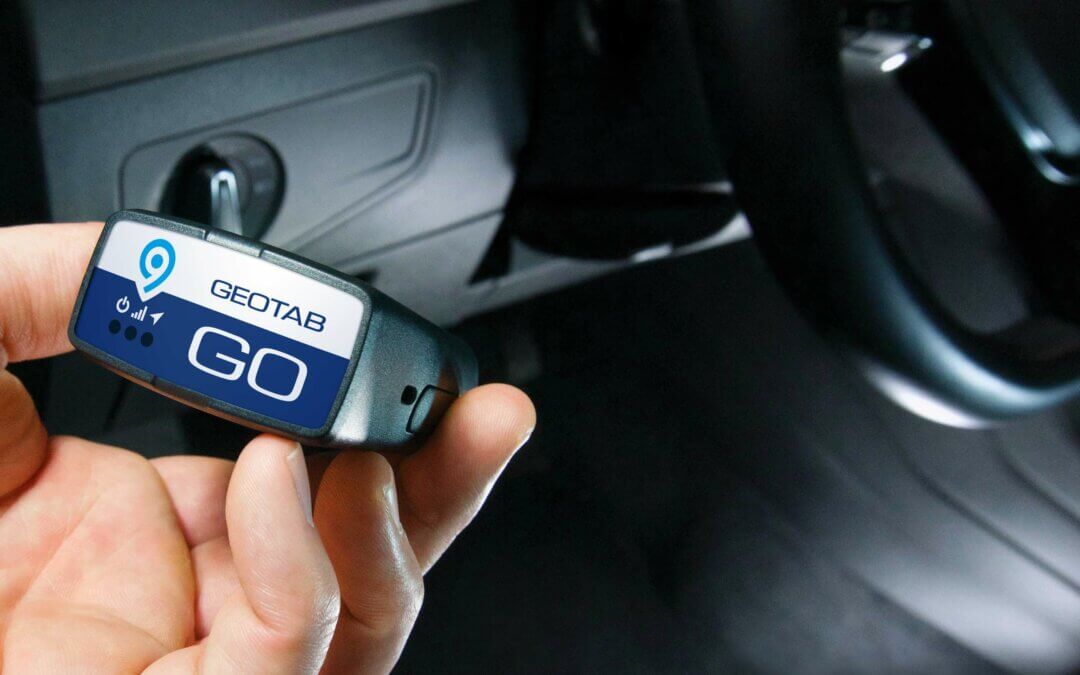
Fleet management systems will always have some hardware, such as Geotab, which is necessary for pulling information from your trucks and other vehicles. However, the main focus of the system should be on the software. Hardware can only provide data; software provides insights and solutions.
A system that focuses too much on hardware may leave you with too much data, and too few resources for sorting it.
2 – Deep configurable reporting
On the topic, data is only as useful as the insights that you can pull from it. A great Geotab fleet management system should offer a range of pre-made reports, as well as the ability to generate custom reports which are based on your own goals and needs.
Ideally, the system should be able to report on vehicles and drivers. After all, a driver’s on-road habits can have a huge impact on costs, such as drivers wasting fuel by accelerating and braking too hard. The best fleet management solutions allow you to oversee both the mechanical and human sides of your operation.
3 – Systems integration and interoperability
Your business undoubtedly has many existing data streams. A quality fleet management system should be able to integrate easily with your existing software and pull in data from other sources with minimal trouble.
Beware of “all-in-one” solutions that want to lock you into a single ‘walled garden’ that won’t work with other software. This is a one-way street to vendor lock-in.
VLC Makes Fleet Management Easy!
We’re proud partners with Geotab, one of the best fleet tracking systems on the market. We provide top-quality fleet management and analysis software to work alongside it. VLC TripDAWG solutions can help you manage your fleet, keep tabs on drivers, and avoid costly legal problems through smart warning systems.
Contact us to learn more or arrange a demo.
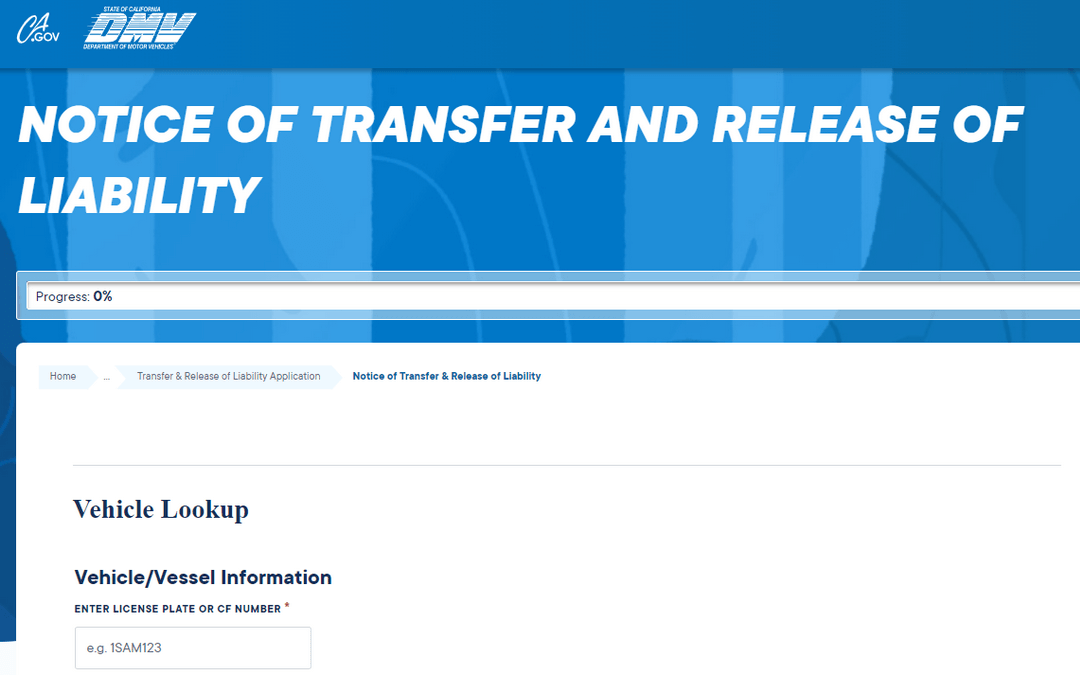
Fleet Compliance
“Sold your vehicle? Here’s an important step most people don’t know about.”
File a release of liability with CA DMV.
Why should you file?
You have signed off the title and handed it over to the new owner to complete the transfer. A lot can happen between handing that title over to the new owner and the actual transfer being processed.
To ensure you are not held liable after the sales transaction has been completed, file a release of liability with the CA DMV. This ensures that if an incident occurs involving that vehicle, you are not held liable for the damages and repercussions.
If you need assistance with filing a release of liability, contact VLC.